Portrait sessions from six photos
You direct the shoot. We develop the roll.
Choose the light, the set, the era, the lens and where the camera stands. Four frames come back on a contact sheet, and you circle the ones worth keeping.
Free to download on iOS and Android. In-app purchases available.
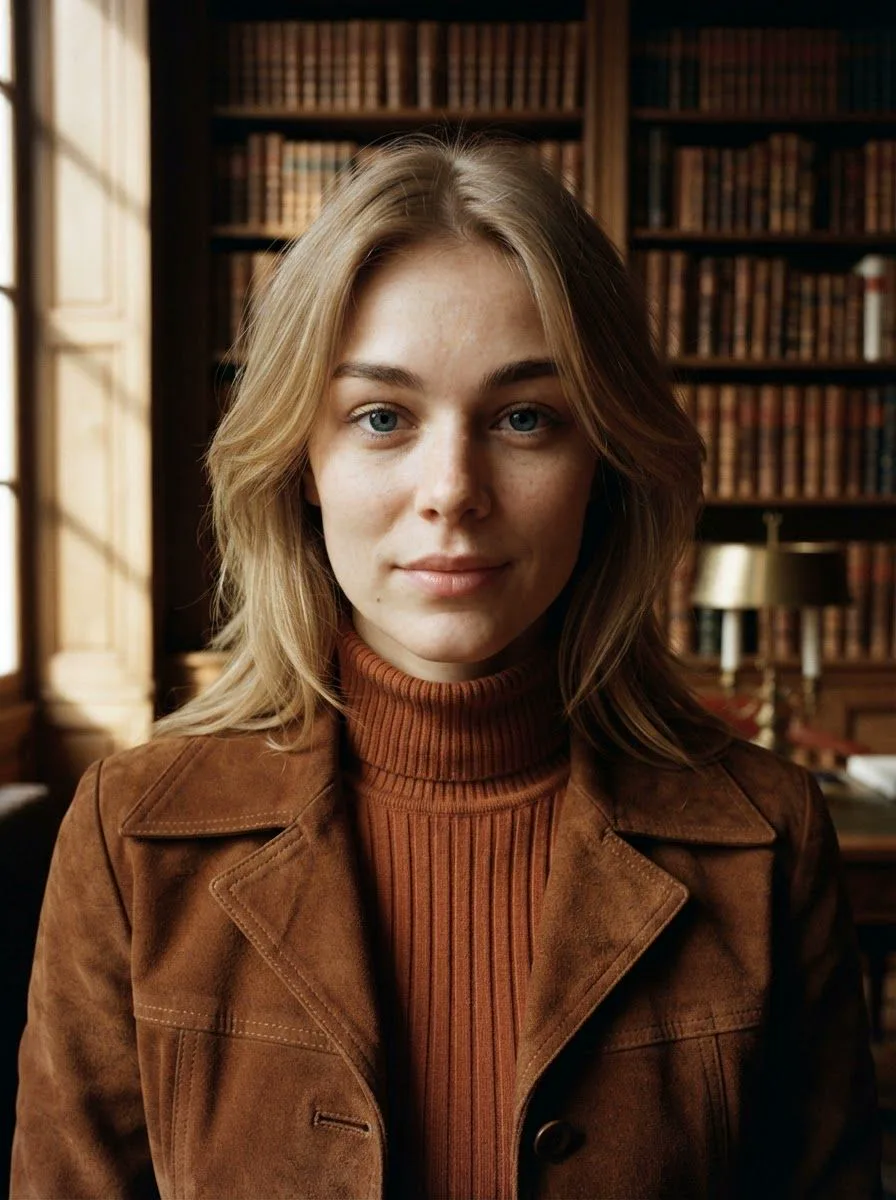
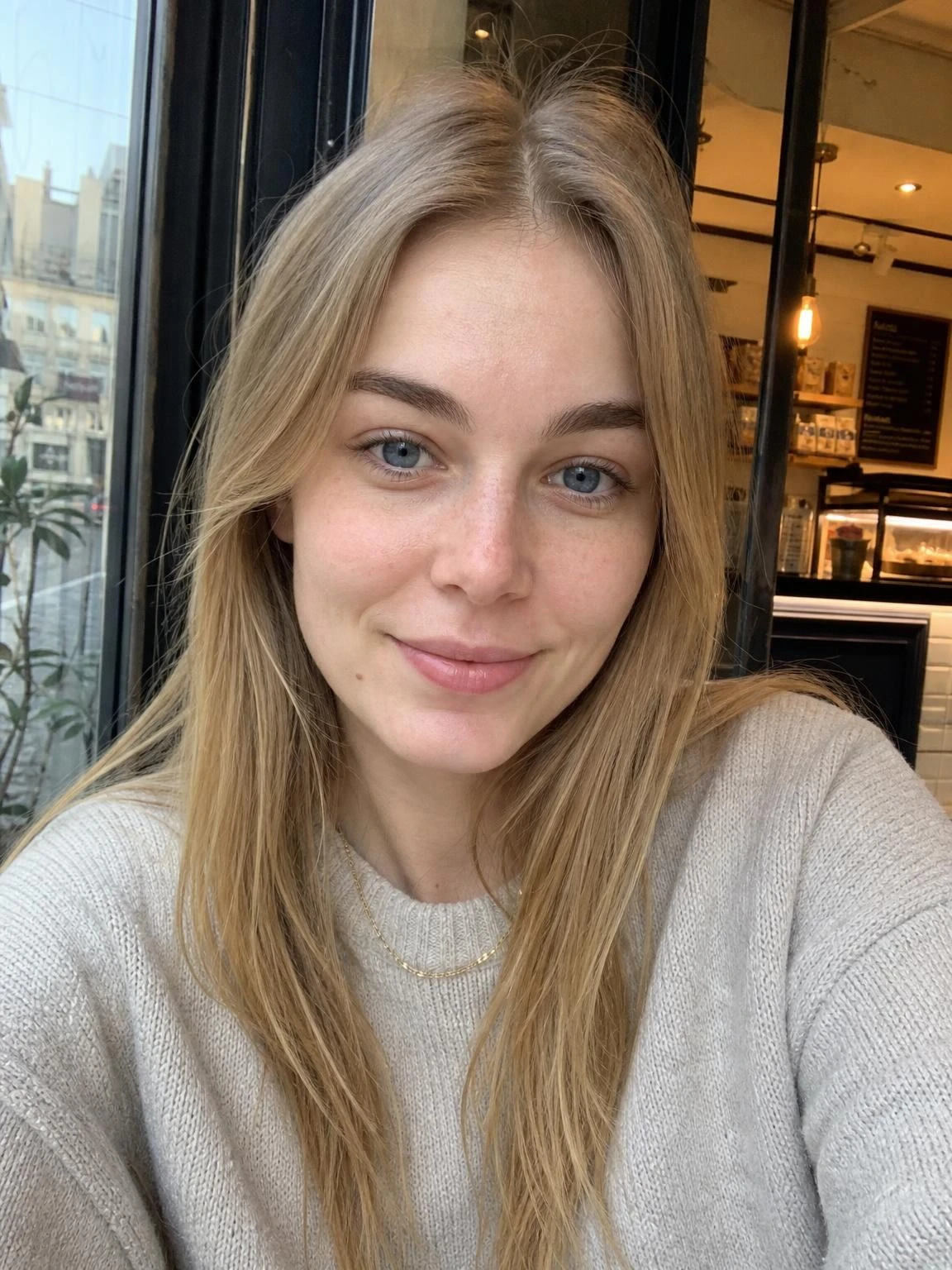
The contact sheet
Four frames. Four places to stand.
A mixed roll moves the camera between frames, so one session gives you eye level, a low angle, a profile and a high angle. Hold the frames worth keeping to circle them.
-
Eye level · Keeper -
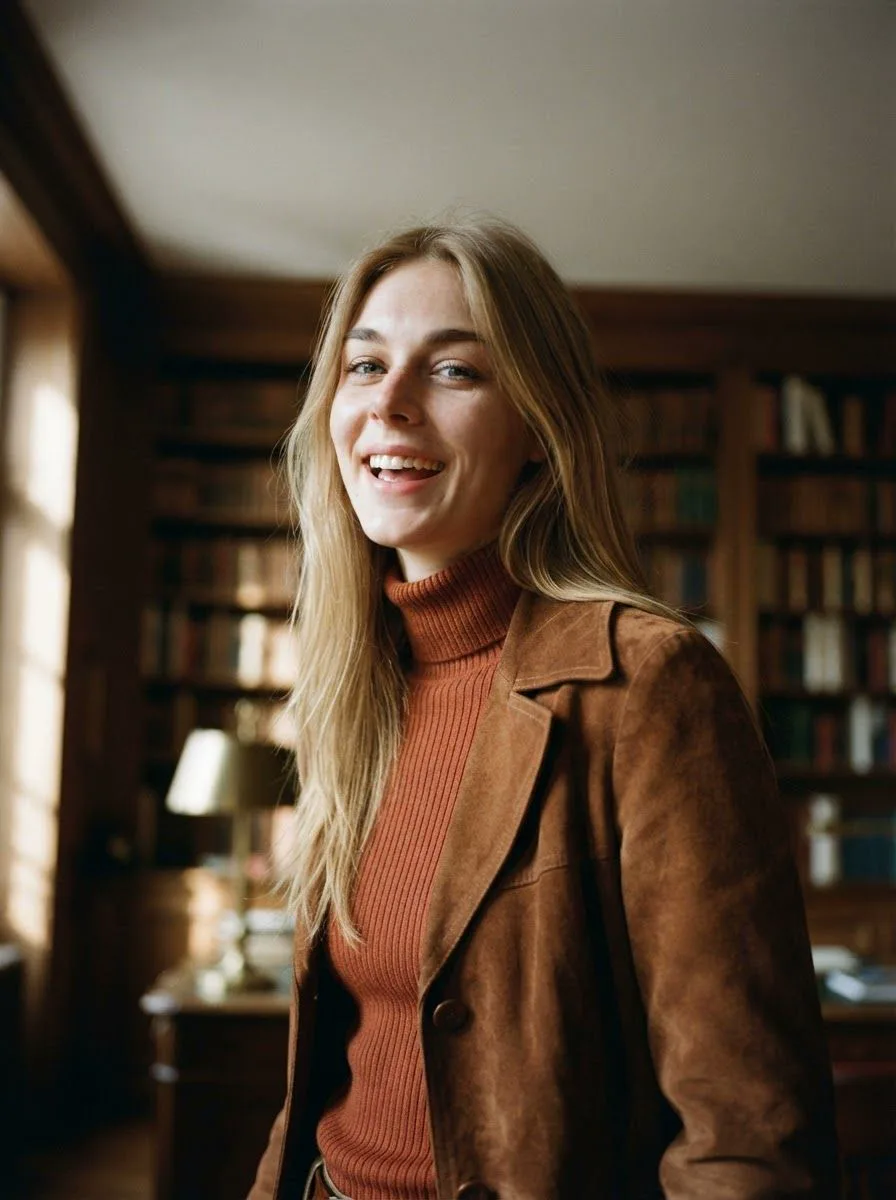
Low angle -
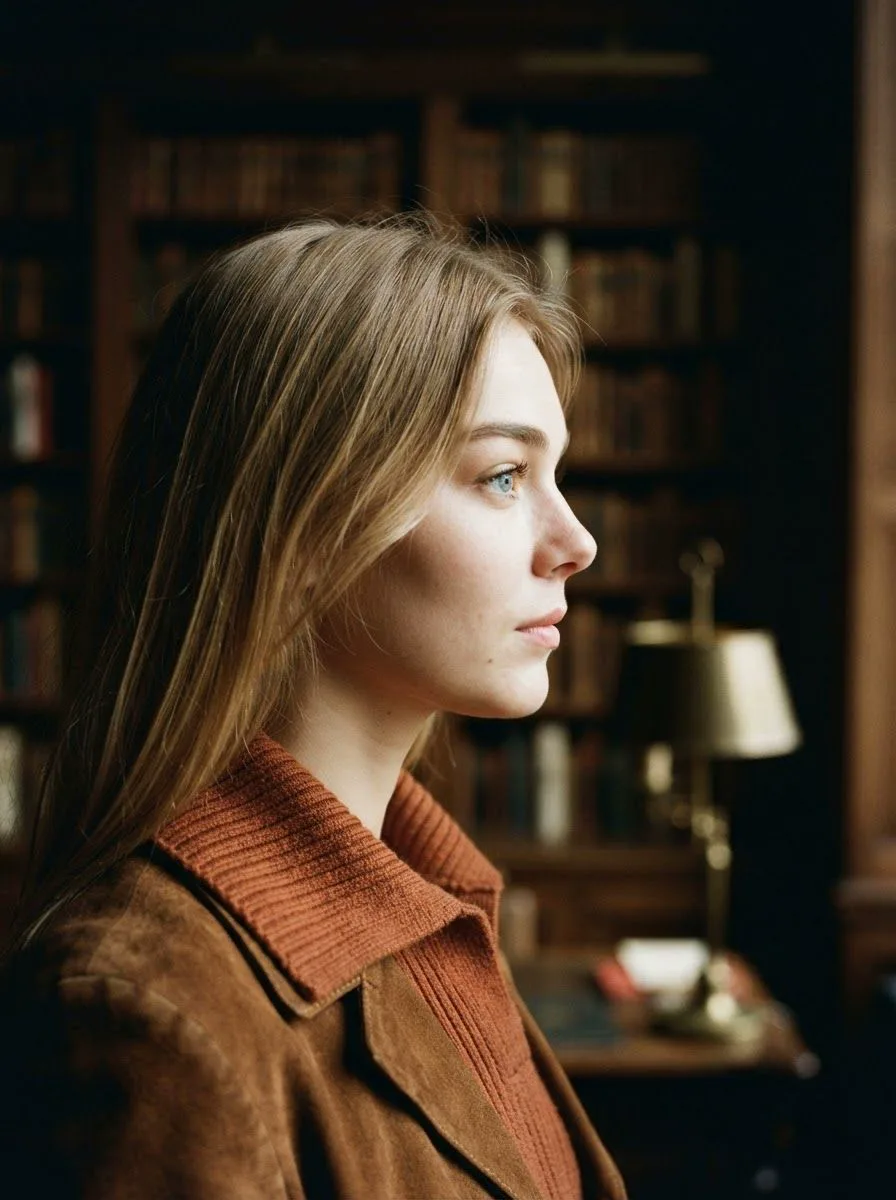
Profile · Keeper -
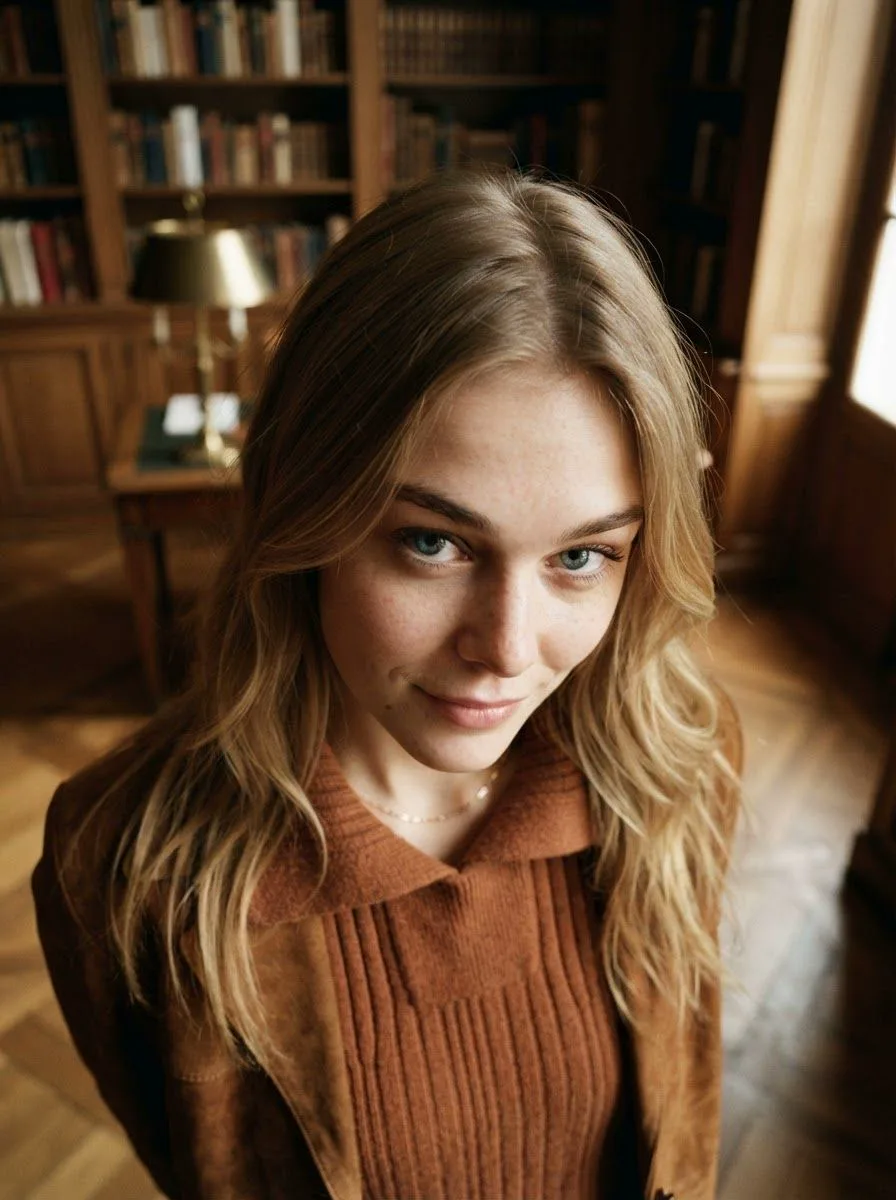
High angle
Set up the shoot
Five controls shape every roll.
Change one and the whole session changes with it. The roll above was shot with these settings.
-
Light
Window
Soft window light, a crisp studio key, a rim glow, neon or low golden sun.
-
Set
Library
A paper roll, a library, a rooftop at night, a forest, a 1970s lounge or a greenhouse.
-
Era
1970s
Wardrobe and styling from the 1920s through today, or a near future.
-
Lens
85mm
35mm to keep the set in frame, 85mm for head and shoulders, 135mm for a close portrait.
-
Angle
Mixed
Eye level, low, high, worm's eye, overhead, drone, profile, over the shoulder, or a new angle every frame.
Or start from a saved setup such as Library afternoon or After hours, and reshoot any roll with the same setup.
Take a keeper further
Write an edit, or tap a look.
Open any frame and describe what should change, or pick a one-tap look. The result comes back as a new print, and the original frame stays on the contact sheet.
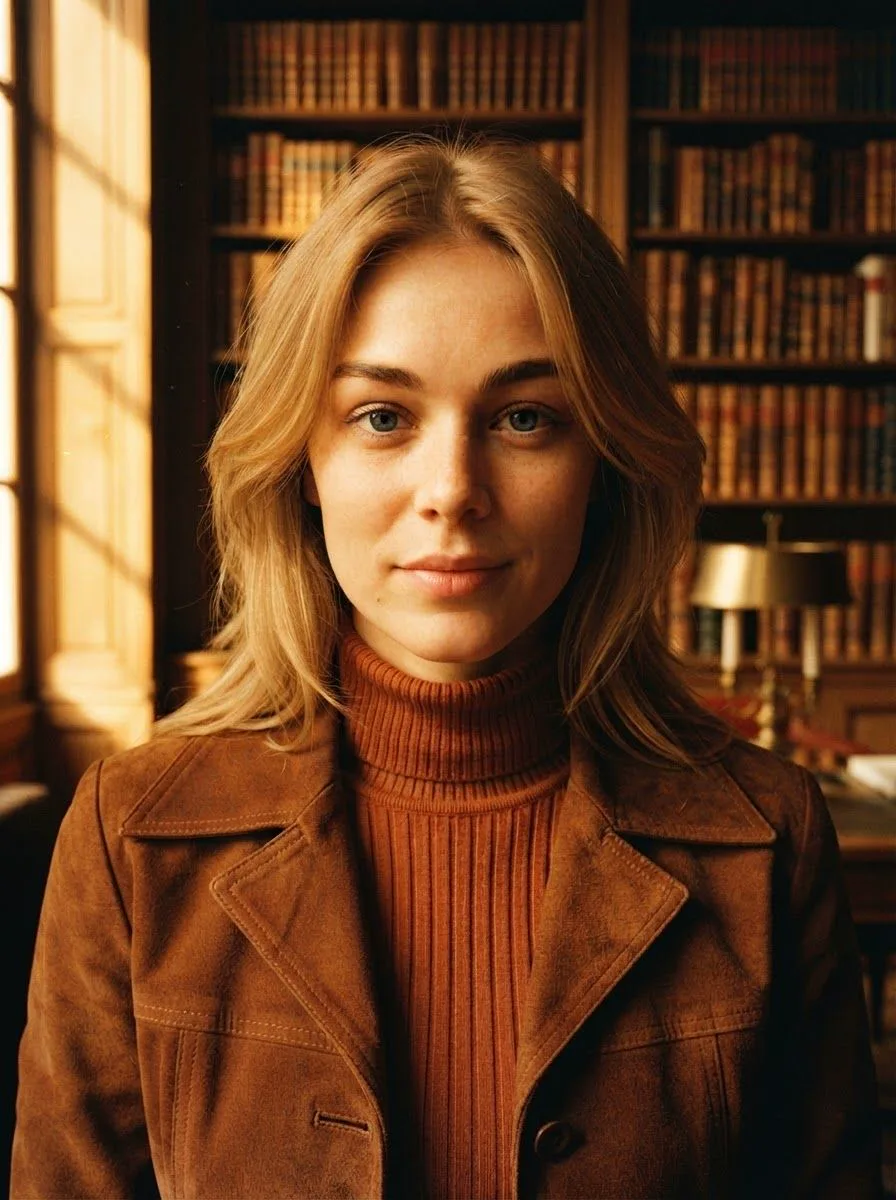
Make it golden hour sunlight
One-tap looks
-
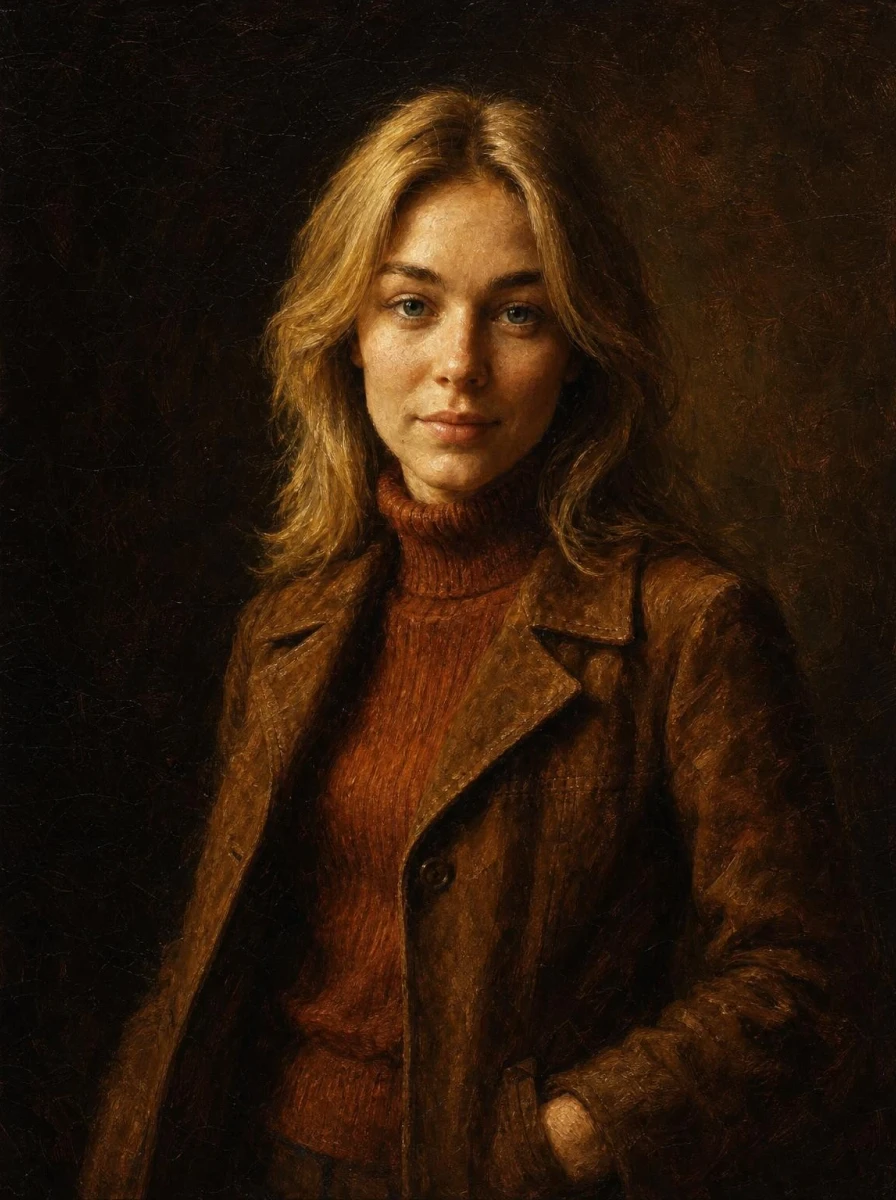
Oil portrait -
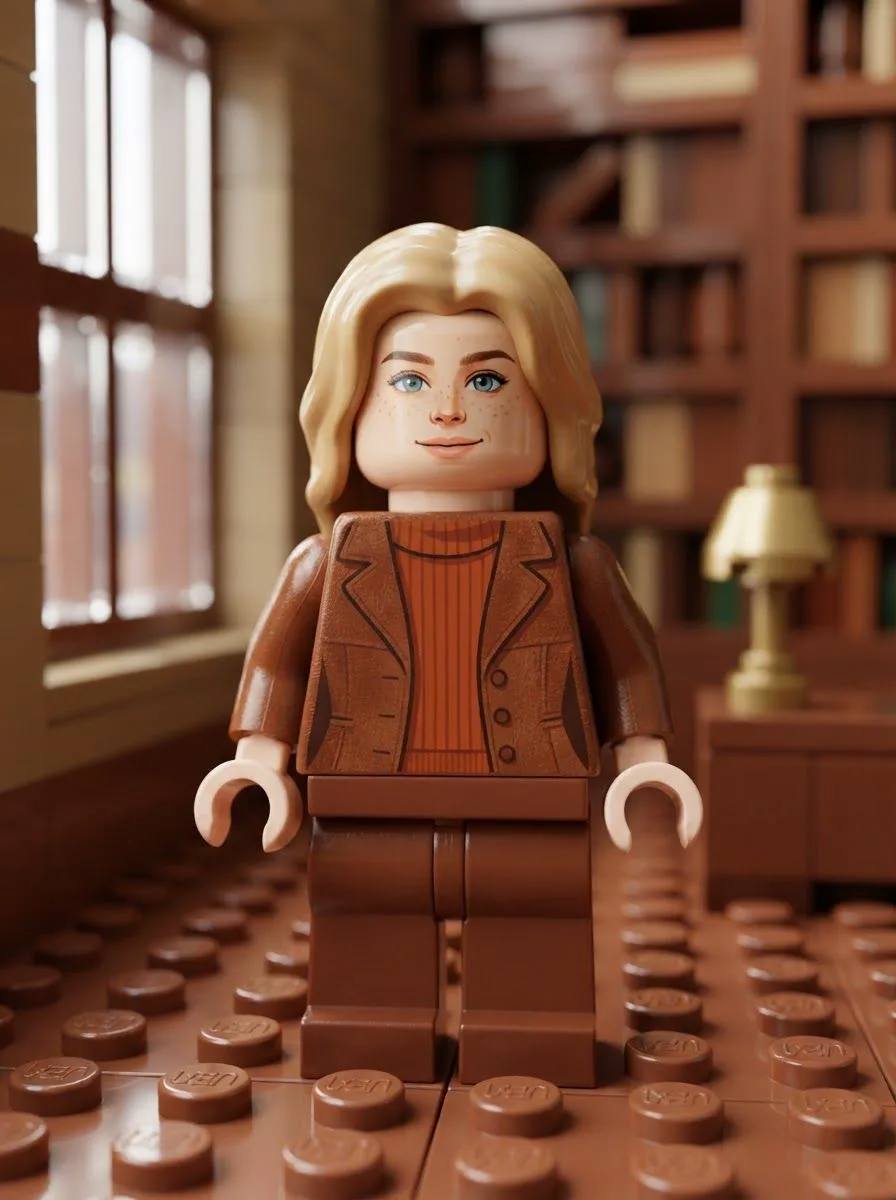
Brick figure -
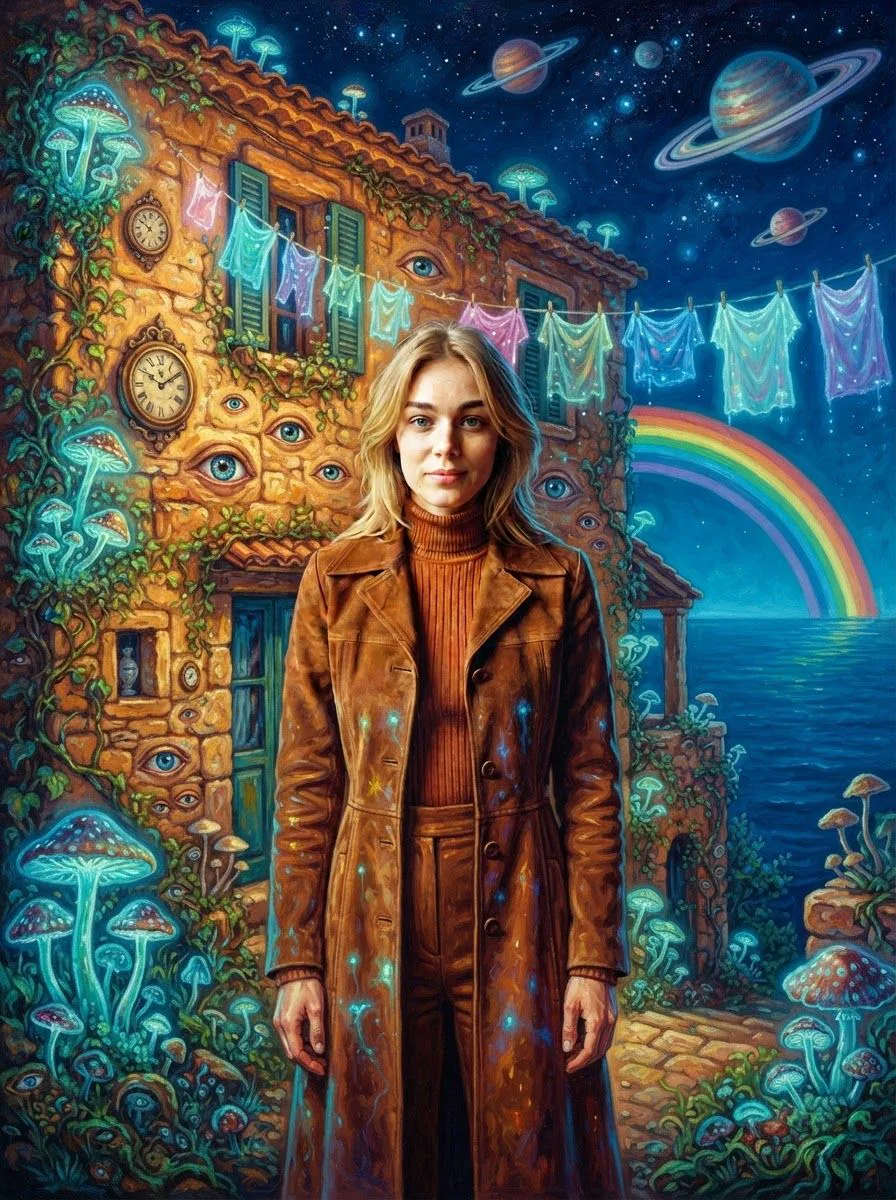
New Surrealism -
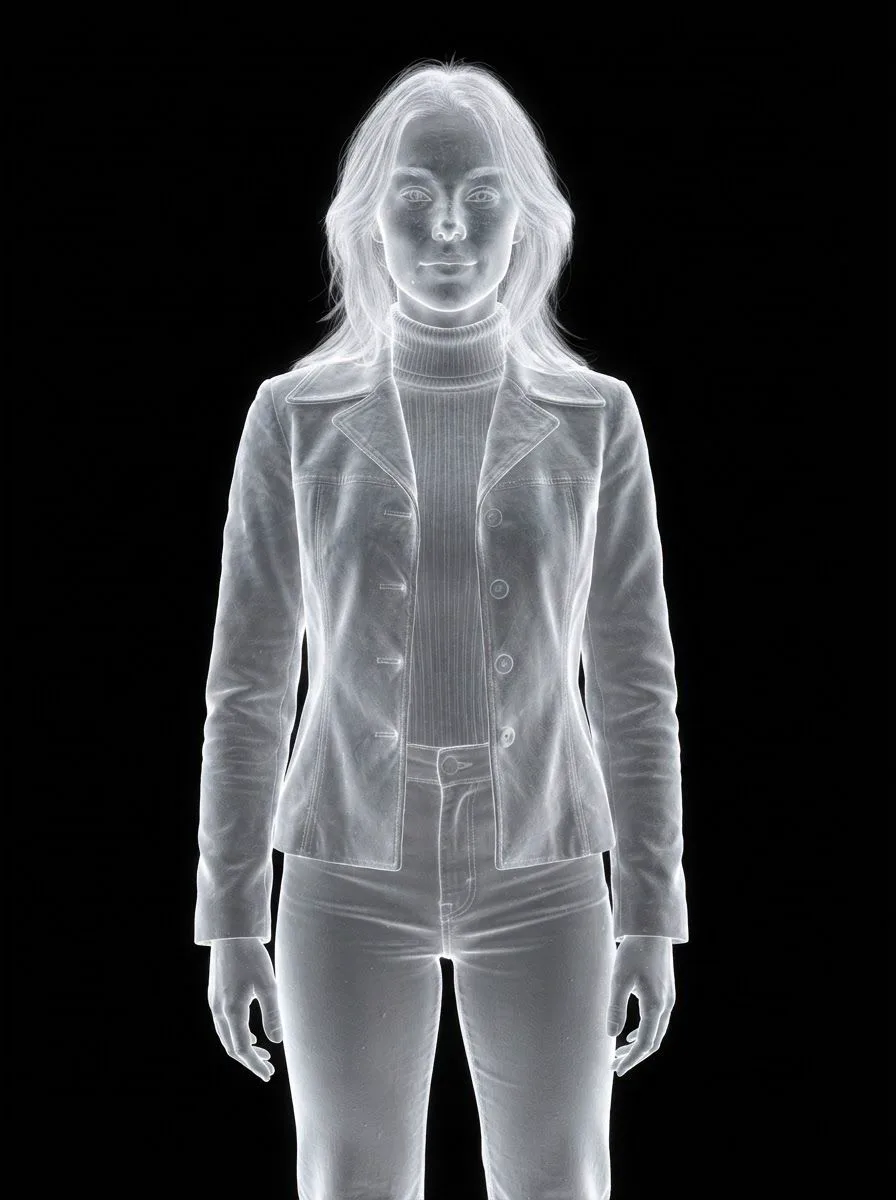
Electron Scan
Eight more looks, from Chibi and Cinematic to Claymation and Voxel Relief.
The darkroom
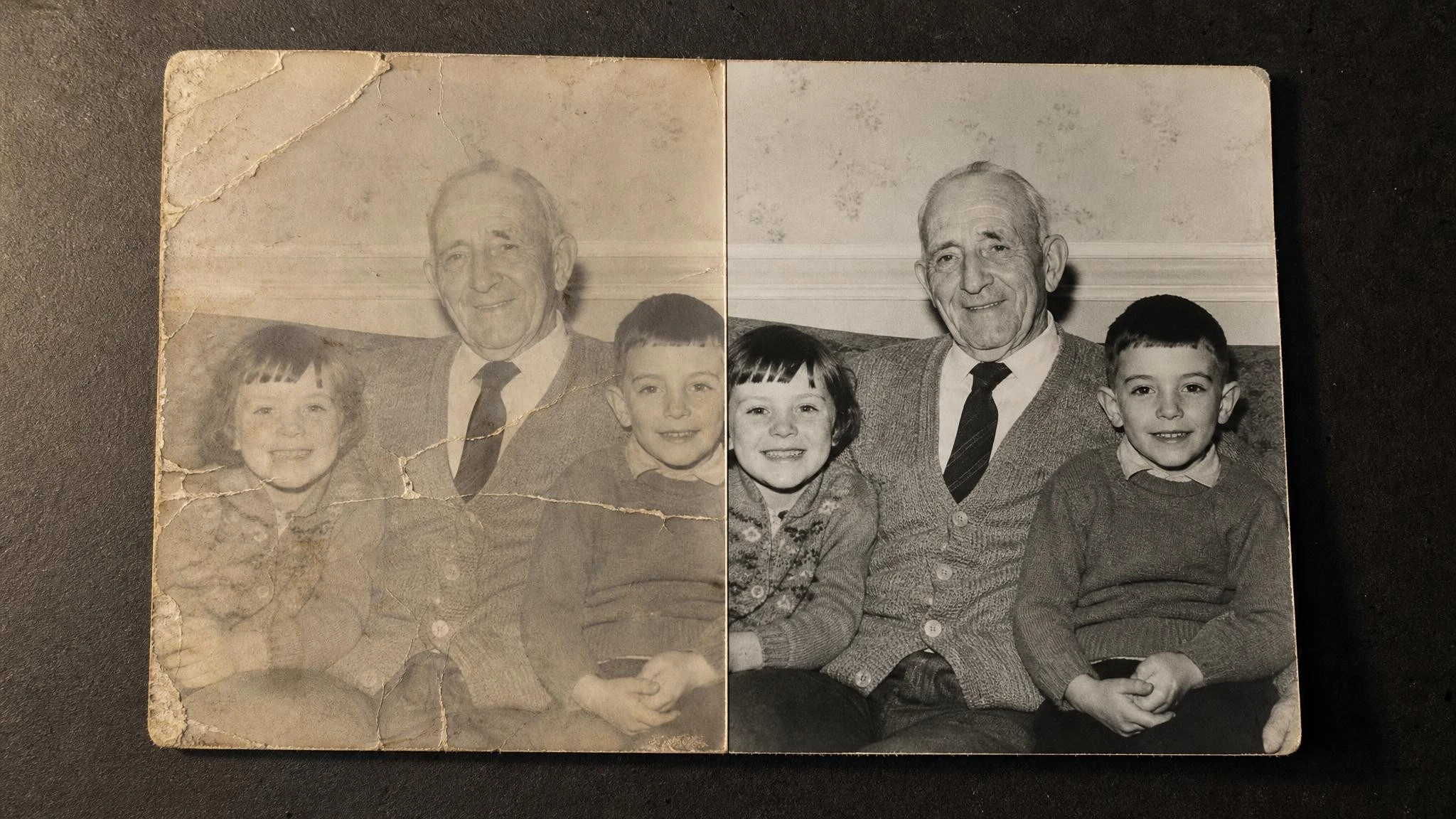
Old prints get a second life.
Bring in any photo, not only the ones you shoot here.
-
Restore
Repair faded, scratched and worn faces in old prints.
-
Colorize
Add natural color to a black and white photo.
-
Enlarge
Upscale a small or soft photo to four times its size.
Open the studio
Your next roll starts with six photos.
Set up a shoot, develop the roll and circle your keepers.
Download AiShots